
Packaging change control is the record-and-approval process used when an approved packaging specification changes. A change may affect artwork, a dieline, dimensions, material, finish, product orientation, barcode, label, pack count or shipping mark. The aim is not to make every change slow; it is to make the exact approved configuration identifiable before a new sample, quote or repeat order is released.
What a packaging change record should capture
| Record field | Why it matters |
|---|---|
| Change ID and date | Separates one request from another |
| Current approved reference | Identifies the artwork, drawing, sample or order being changed |
| Proposed change | States what will be different |
| Affected component | Connects the change to the sell unit, carton, tray or master carton |
| Owner and approver | Makes the decision path visible |
| Evidence required | Defines whether artwork review, sample, label check or another review is needed |
| Release decision | Records the version approved for the next activity |
Start with the current approved configuration
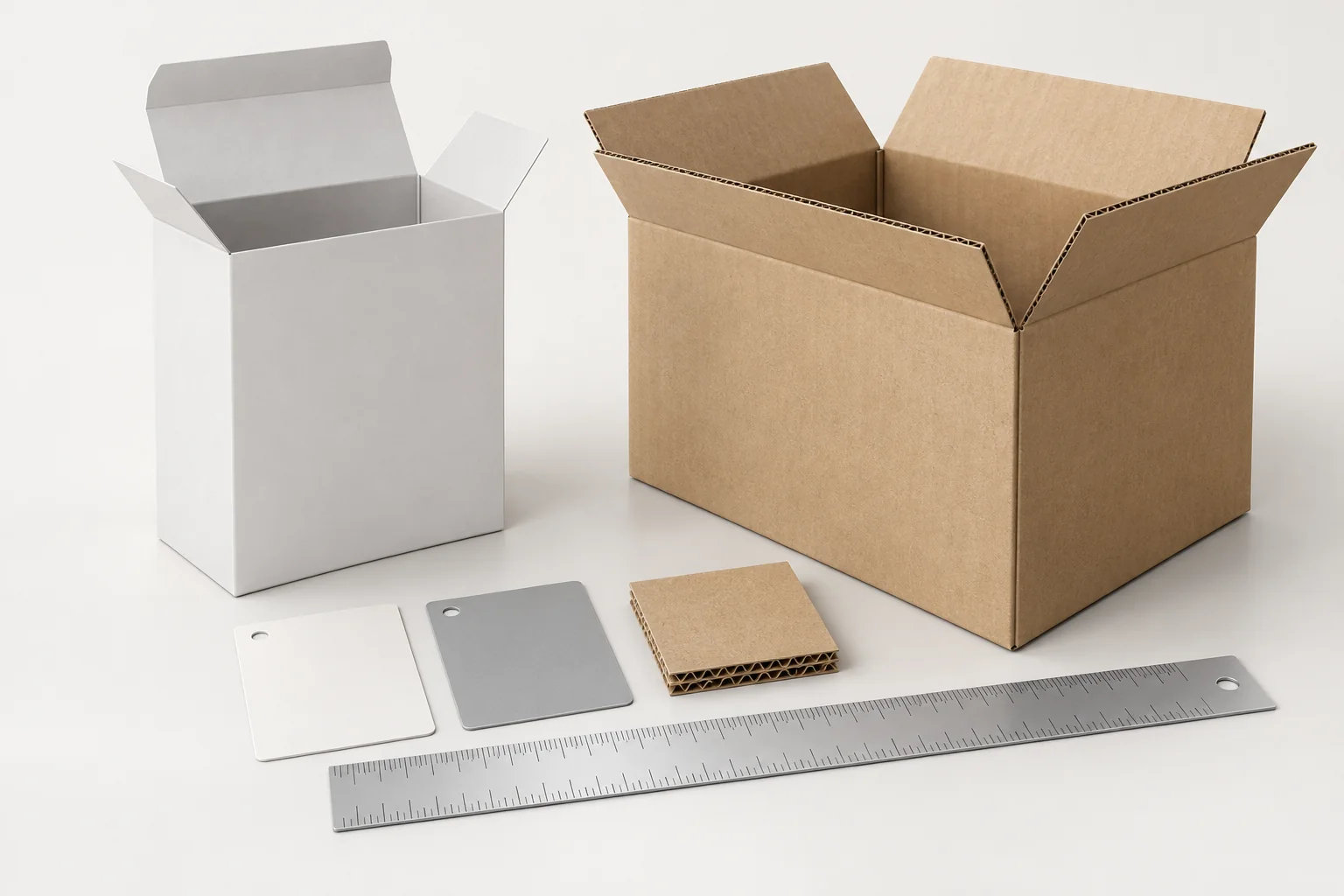
Collect the latest approved drawing, artwork, sample reference and packing notes before discussing the revision. A file named “final” is not enough if more than one person or supplier has created a version. Use a revision identifier, date and short description that can be matched to the physical or digital approval record.
The packaging artwork preflight checklist is useful when print files change. Keep its technical checks tied to the exact structural reference rather than reviewing artwork in isolation.
Identify every affected packaging component
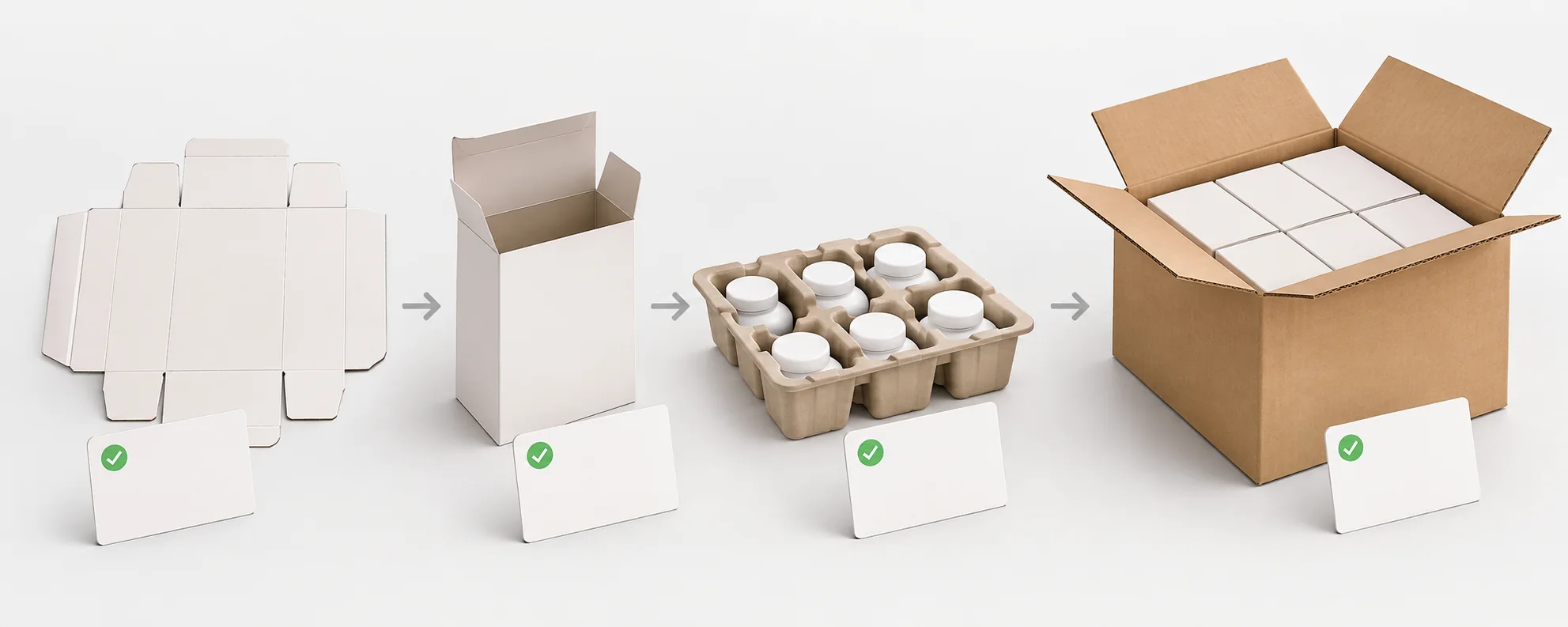
A product change can affect more than the consumer-facing pack. Record whether it changes the sell unit, an inner pack, retail tray, master carton, insert, label or handling mark. The case pack, inner pack and master carton guide helps make the packing hierarchy explicit.
| Change | Questions to record |
|---|---|
| Artwork or copy | Which panels, version, barcode or label data change? |
| Structure or dimensions | Which drawing, product fit and closure assumptions change? |
| Pack count or orientation | Which inner-pack, tray or master-carton quantities change? |
| Material or finish | Which approved reference must be reviewed again? |
| Shipping information | Which carton marks or receiving instructions are affected? |
Match the review evidence to the change
A revised PDF can support an artwork review, but it cannot by itself show product fit or the opening sequence of a revised structure. A structural sample can support another set of decisions. Write down what the chosen evidence represents and what it does not represent.
The custom packaging samples guide explains why digital proofs, white samples and production-method samples answer different questions. For labels and outer-case information, use the shipping marks guide to keep marks with the correct carton role.
Keep quote, order and approval references together
Before releasing a repeat order, compare the controlled change record with the current quotation, purchase-order description, artwork version, dimensions, pack-out and sample reference. If a requirement is unresolved, keep it as an open decision rather than implying that the previous approval still applies.
The custom packaging RFQ template can help when the change needs a new comparable quotation. Reference the change ID in the request so that suppliers know which configuration is being priced.
A practical release checklist
- Identify the current approved version and the proposed revision.
- List every packaging component affected.
- Confirm dimensions, orientation, quantity and pack hierarchy.
- Assign artwork, barcode, labels and marks to the correct component.
- Choose the review evidence needed for the actual change.
- Record who approves, what is approved and any unresolved conditions.
- Reference the released revision in the quote, order and sample record.
Common mistakes
- Treating a filename as the complete version-control system.
- Changing artwork without checking whether panels, folds or a structure changed too.
- Updating a product carton but not the tray or master-carton pack-out.
- Calling an old sample approval proof for a revised configuration.
- Sending a repeat order without identifying the approved artwork and drawing version.
Frequently asked questions
Does every packaging change need a new sample?
No. The evidence should match the change. A copy-only update may need a different review from a structural or pack-out change. Record the decision and its limits.
What is the most important field in a change request?
The link to the current approved configuration and a clear description of what changes. Without both, teams may review different versions of the same project.
Can a revised artwork file approve a new box size?
No. Artwork review does not establish product fit, dimensions or closure. A revised structure needs evidence appropriate to those questions.
Prepare a controlled packaging revision
For a packaging change inquiry, provide the current approved references, proposed revision, affected components, pack hierarchy, required evidence and the person authorized to release the updated configuration. This keeps review focused on the actual change without assuming unverified performance or capability.