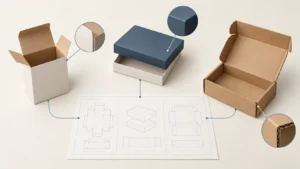
Quick answer: A packaging specification sheet template is a controlled record for one packaging configuration. It identifies the product, packaging level, approved structure, components, artwork revision, data, evidence and change owner. Use it after initial supplier discussions to make a repeat order or revision traceable—not as a universal production instruction or a supplier promise.
What is a packaging specification sheet?
A packaging specification sheet is the shared reference that tells a team what a particular packaging configuration is supposed to be. It connects the product and SKU to a specific structure, component list, artwork revision, packing configuration, approval evidence and open exceptions. It is more useful than a loose folder of files because it states which version governs and who must approve a change.
The sheet should describe a real configuration rather than a broad product family. “Black folding carton” is a description; “SKU A, 30 mL bottle, current dieline revision, artwork revision, insert status and approval scope” is a controllable specification. The document does not replace a supplier’s process-specific file requirements, a test plan, a legal label review or a contract. It gives those decisions one stable place to be identified.
| Document | Main purpose | It does not establish by itself |
|---|---|---|
| RFQ or project brief | Lets suppliers understand a request and state assumptions | A final approved packaging configuration |
| Packaging specification sheet | Identifies the controlled configuration and its evidence | That all performance or compliance requirements have been met |
| Dieline | Shows the approved structural geometry and panels | Which artwork, barcode, finish or sample was approved |
| Packaging BOM | Lists the components in the pack system | Which revision, evidence and exceptions apply to each component |
| Change record | Captures what changed and what must be reviewed again | That the changed configuration is automatically approved |
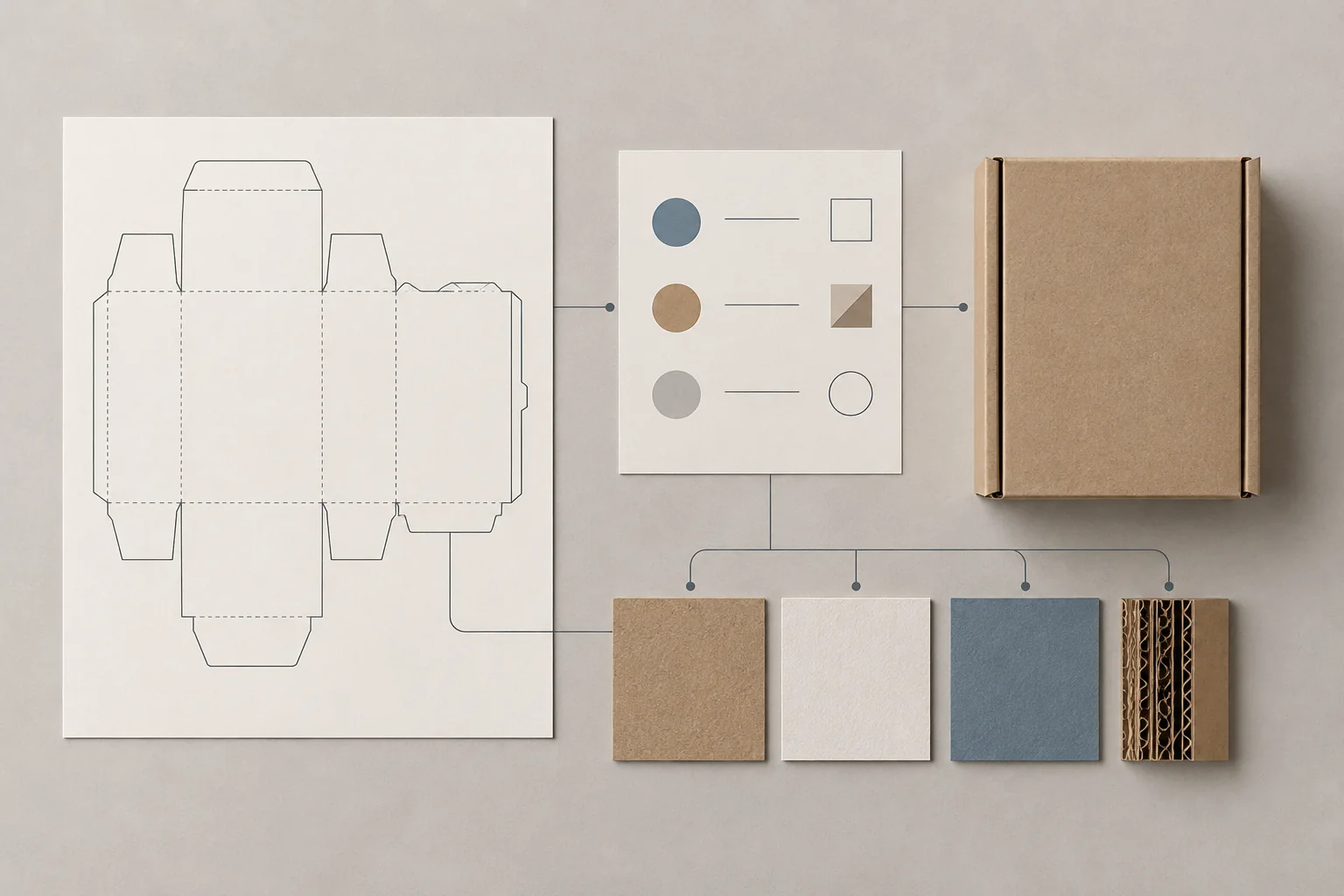
Start with the current drawing rather than an old artwork PDF. The Packaza packaging dieline guide explains why the structural revision, panel locations and legend need to remain identifiable. A specification sheet links that drawing to the rest of the project; it should never silently substitute one structure for another.
When to use the template: quote-ready, approval-ready and repeat-order ready
Use a packaging specification sheet once the project needs a defined baseline. An early idea can still be quote-ready while material, dimensions, finishes or packing details are open. By contrast, an approval-ready or repeat-order-ready record should disclose which items are actually confirmed, which evidence supports them and which decisions remain unresolved.
| Project stage | What the record should contain | What to keep explicitly open |
|---|---|---|
| Quote-ready | Product, intended use, approximate dimensions, target quantity, destination and supplier questions | Proposed structure, material, process, sample scope and commercial assumptions |
| Sample/approval-ready | Identified structure, artwork revision, components, review purpose and named decision owner | What the sample does not prove, and any pending copy, data or test decision |
| Repeat-order-ready | Approved baseline, revision identifiers, packing configuration, prior approval reference and change trigger | Any supplier-specific reconfirmation needed for the new order |
Do not turn an estimate into a specification merely by calling a file “final.” If an item is not decided, write the requirement as an outcome and mark “supplier recommendation requested.” For example, describe the product, intended channel and protection concern; do not invent a board grade, tolerance, test result or barcode treatment to fill an empty cell. The Packaza supplier qualification checklist is useful before selecting a supplier, while this document becomes the baseline after decisions begin to settle.
Copy-and-paste packaging specification sheet template
The template below is deliberately process-neutral. Keep supplier-specific requirements beside the relevant field or attach their confirmed document. Do not assume that a setting used on one box, material or printing route applies to another.
| Section | Record these fields | Control question |
|---|---|---|
| 1. Identification | Product name; SKU; market/channel; package level; specification ID; revision/date; owner | Can someone identify the exact configuration without guessing? |
| 2. Packed product | Product dimensions and weight as packed; orientation; accessories; fragile or sensitive areas; product photos/drawings | Is the product context the same as the one being approved? |
| 3. Structure | Box/package type; current supplier-issued or approved dieline; dimensions basis; opening/closure; window, insert or divider | Is this the exact structure and revision under review? |
| 4. Components | Retail pack, insert, sleeve, label, shipper, protective material and any accessory; component revision | Does every physical component have a named role? |
| 5. Artwork and data | Editable master; agreed output; artwork revision; required copy; barcode/data owner; variable-data source | Which file is authoritative, and who owns changing data? |
| 6. Material and visible intent | Approved material/construction if known; intended finish/effect; non-printing guides or special layers | Has the responsible party confirmed process-specific feasibility? |
| 7. Packing and logistics | Units per inner pack/case; carton ID; shipping marks; pallet or delivery constraints if applicable | Are pack levels and labels tied to the right SKU/revision? |
| 8. Evidence and approval | Proof/sample type; files reviewed; approver/date; approval scope; open exceptions | What exactly was decided, and what was not? |
| 9. Change control | Trigger, requester, affected components/files, required re-review and decision record | What must happen before an altered configuration is reused? |
Assign a revision identifier to the sheet itself. File names alone are weak controls because they often do not explain the product, package level or approval scope. A usable record lets a buyer compare the artwork, drawing, sample, component list and packing information against one shared revision.
Define the packaging levels before recording dimensions or barcode data
Specify the packaging level for every component and data field. A consumer unit, an inner pack, a case and a pallet can carry different dimensions, contents, identifiers and handling needs. GS1’s Global Data Model guidance treats packaging information across levels such as each, inner pack, case and pallet; its trade-item hierarchy guidance also identifies distinct units in the hierarchy. See the GS1 Global Data Model Attribute Implementation Guideline before applying GS1 terminology to an actual program.
This matters because a number is meaningful only with its level and basis. “12 per carton” may refer to eaches, retail packs, inner packs or a master case. Record the package level, what it contains and whether a measurement is internal, external or a flat layout. If a code is required, name the data owner and the intended scanning/use environment instead of treating the barcode as decorative artwork. The Packaza barcode printing guide provides a buyer-oriented checklist for the separate barcode review.
| Packaging level | Typical record | Decision to keep visible |
|---|---|---|
| Each / consumer unit | Retail package, product identity, customer-facing artwork | What a customer receives and which code/copy applies |
| Inner pack | Grouping of sellable units, quantity and handling purpose | Whether it is an operational pack, a sellable unit or both |
| Case / master carton | Contents, outer dimensions, shipping marks and handling context | Which components and labels belong on the outer case |
| Pallet or shipment unit | Case pattern and delivery/reception constraints when applicable | Whether a retailer, carrier or warehouse requirement must be confirmed |

Connect structure, components and artwork without pretending they are interchangeable
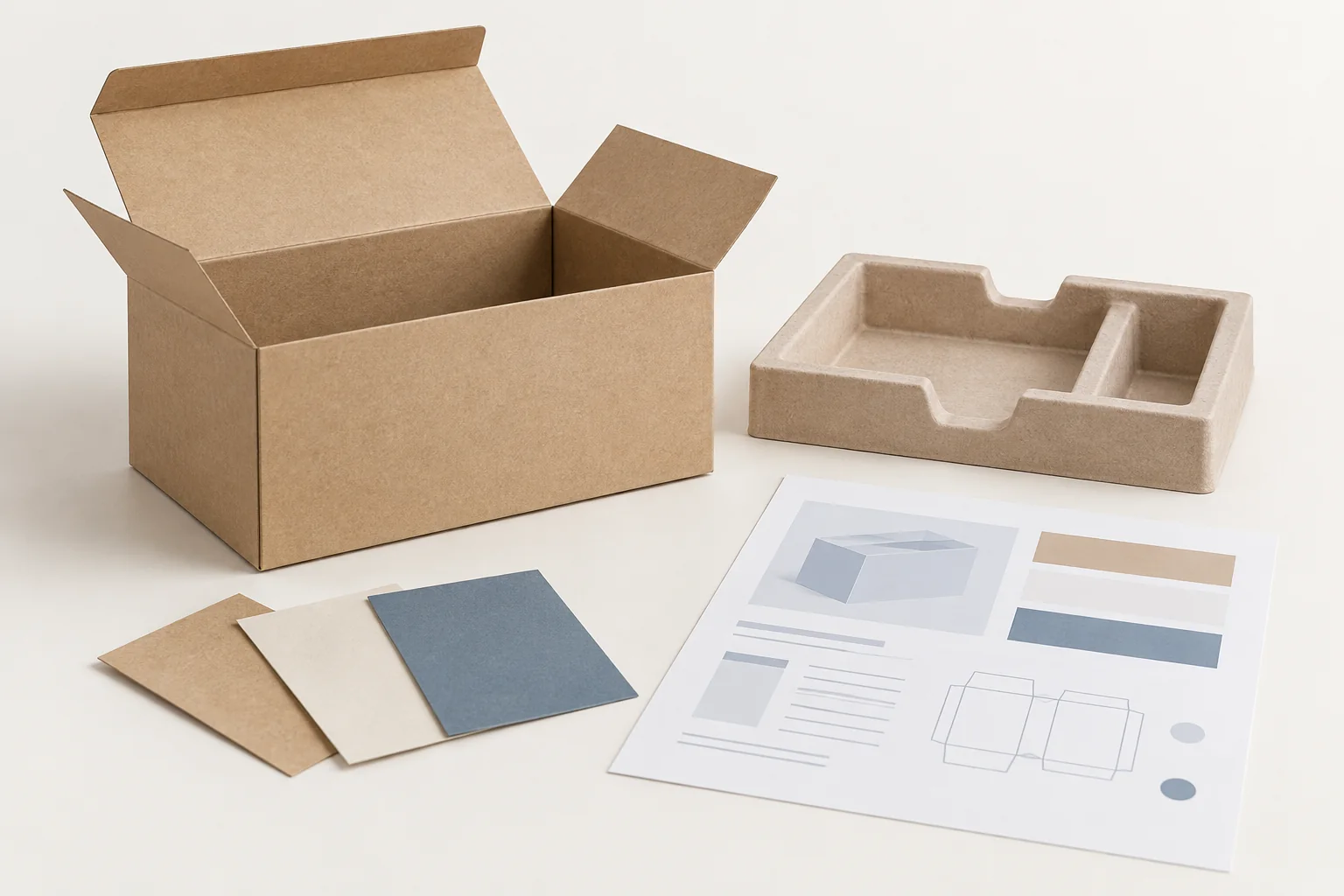
A packaging configuration is often a system: a retail carton may work with an insert, sleeve, label, transport case and instruction sheet. Keep a component map in the specification so a team can see where the same product or graphic appears. The Packaza packaging bill of materials guide is a useful companion for listing the system; the specification sheet should add the controlling revision and approval evidence.
For each component, link to its own drawing, artwork output or data source. Distinguish the editable artwork master from a review PDF and from the supplier-agreed production output. Do not set generic bleed, color mode, trapping, minimum type size or finish-layer rules in a universal template. Those requirements can change with the actual structure, board, print process and finishing route, so they must be confirmed for the project.
An assembled-package review catches issues a flat layout may hide: a logo across a fold, copy inside a glue area, an insert covering a panel, or a barcode on the wrong packaging level. Use a custom packaging sample that fits the decision you are making. A digital proof, blank structural sample and production-method sample can answer different questions; record what the evidence represents rather than implying that it proves everything.
Make approval scope and exceptions visible
Approval is useful only when it names the reviewed configuration and its scope. The record should state the files, drawing, sample or proof reviewed; the decision maker; the date; and any exceptions. “Approved” by itself does not say whether content, fold placement, product fit, final color, barcode verification or distribution performance was actually reviewed.
| Approval field | Example of a controlled entry | Why it matters |
|---|---|---|
| Configuration ID | SKU + packaging level + sheet revision | Connects the decision to one identifiable package |
| Evidence | Artwork revision, dieline revision, named sample/proof | Shows what the reviewer actually saw |
| Scope | “Copy and panel placement only” or another stated scope | Prevents an incomplete review being treated as full release |
| Exceptions | Open copy, pending test decision, supplier file check | Makes conditional approval visible |
| Decision owner/date | Named role or person and recorded date | Creates a traceable decision point |
Where transit performance matters, package testing is a separate question from a visually correct proof. ISTA notes that retest decisions can depend on changed components, materials, interior packaging or closures; use the relevant program, product and route to define a test plan rather than assuming a generic result. The ISTA retesting guidance is context, not a Packaza service claim or a substitute for selecting an applicable procedure.
Use the sheet as the baseline when packaging changes
The value of a specification sheet appears most clearly when something changes. A new dieline, product orientation, material, finish, barcode, component, quantity-per-case or label can affect more than one file and more than one previous approval. Log the proposed change against the baseline, identify the affected records and decide what needs review again before release.
| Change trigger | Recheck before reuse |
|---|---|
| Product size, weight or orientation changes | Structure, insert fit, pack level, artwork panels and sample scope |
| Dieline or component changes | Artwork placement, glue/no-print areas, component map and approval evidence |
| Barcode or variable-data changes | Data owner, symbol placement, associated file and required verification evidence |
| Material, finish or printing-route changes | Supplier-specific requirements, agreed proof/sample and visible-effect approval |
| Case quantity or shipping configuration changes | Inner/case relationship, shipping marks, dimensions/weights and destination requirements |
Use the Packaza packaging change-control checklist to document the decision route. The aim is not to make every change slow; it is to prevent an untracked swap from inheriting an approval that covered a different configuration.
What to send when requesting a specification review
Send the controlled information along with the decision you need help clarifying: the product or representative sample, current packaging configuration, applicable files, market/channel, known constraints, unresolved choices and desired review stage. State what is not yet decided. That gives a supplier or packaging team context without presenting an early concept as a finished production instruction.
When the project inputs are ready, contact Packaza with the product, packaging goal, artwork status, current drawing status, quantities and destination requirements. Ask for the supplier-specific information that the actual project needs; do not assume a generic template sets price, MOQ, timing, print settings, testing or performance.
FAQs about packaging specification sheets
Is a packaging specification sheet the same as an RFQ?
No. An RFQ helps suppliers prepare comparable responses to a request; a specification sheet records the selected or proposed configuration and its control details. An RFQ can refer to a draft specification, but neither document automatically becomes a production release.
Who should own the packaging specification sheet?
The owner should be the team or named role responsible for maintaining the current configuration. Design, procurement, operations, quality and the supplier may contribute inputs, but the document should identify one owner and the approval roles for changes.
Can one sheet cover a retail box and its master carton?
Yes, if it clearly separates the components and packaging levels. Give each level its own contents, dimensions, artwork/label references and approval scope so a retail-box decision is not confused with a shipping-carton decision.
Should a supplier’s dieline be embedded in the specification sheet?
Link or attach the current approved drawing and record its revision. The sheet should identify the drawing; it should not redraw or alter it and accidentally create a competing structural reference.
Does an approved PDF make the packaging specification complete?
No. A PDF may document visual content, but the sheet still needs the applicable structure, components, package level, approval scope and unresolved items. Confirm the supplier’s required output and prepress process for the actual project.
What should happen when a barcode changes?
Create a controlled change record and identify the affected package level, data owner, artwork file and verification evidence. Do not replace a barcode solely to match a visual treatment or assume that an old approval still applies.
How often should the sheet be reviewed?
Review it before a repeat order, new SKU, material or component change, artwork update, pack-quantity change, retailer/channel change or whenever a new approval decision is needed. The trigger matters more than an arbitrary calendar interval.
Build a record that can be checked later
A useful packaging specification sheet answers five questions without searching through emails: which product and package level, which structure and components, which artwork/data, which evidence and whose decision. Use this packaging specification sheet template to connect the current configuration to its approvals and changes. Then confirm any production-specific requirements with the responsible supplier for the actual project.
Sources
- GS1 Global Data Model Attribute Implementation Guideline — packaging hierarchy and attributes across packaging levels.
- ISTA: When should a packaged-product be retested? — specification changes that can inform retesting decisions.