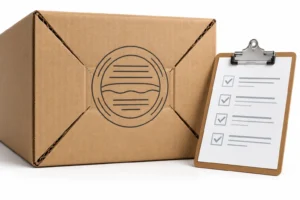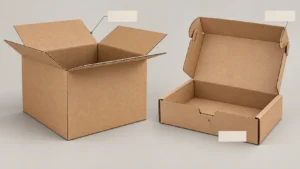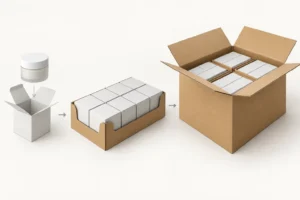
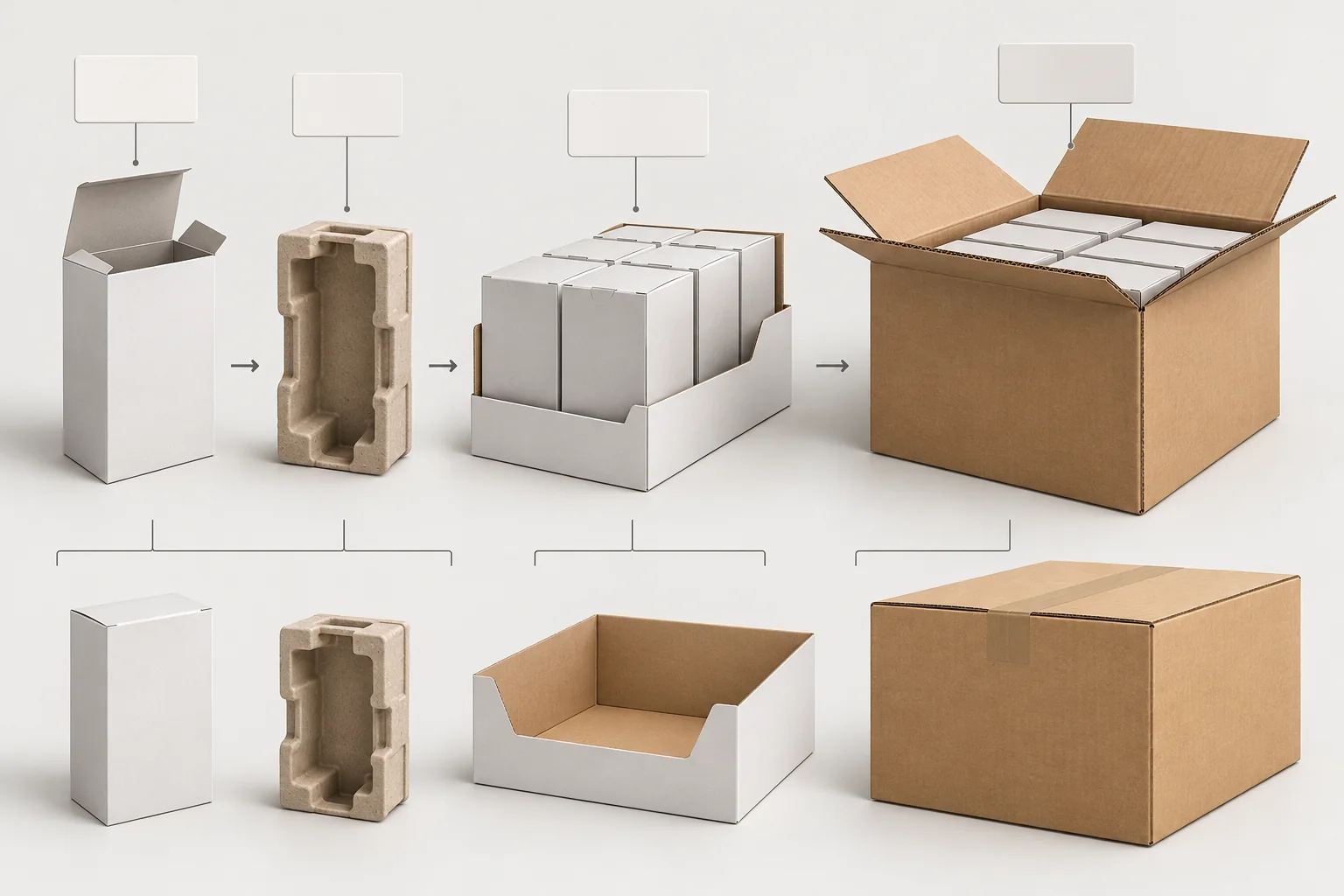
A packaging bill of materials (BOM) is a controlled list of the components needed for one approved packaging configuration. It can connect a product-facing pack, insert, label, retail tray, master carton and other components to their quantities and approval references. It is not merely a list of box names: it should state which version is being ordered and how each component fits the pack hierarchy.
What belongs in a packaging BOM
| Field | Purpose |
|---|---|
| Component name and ID | Identifies the exact packaging part |
| Packaging level | Shows whether it is a sell-unit, secondary or tertiary component |
| Quantity per parent | Defines the count at each packing step |
| Dimensions and basis | Separates internal, external and flat measurements |
| Revision reference | Connects the BOM to the approved drawing or artwork |
| Approval evidence | Shows the relevant sample, proof or review record |
Start with the packaging hierarchy
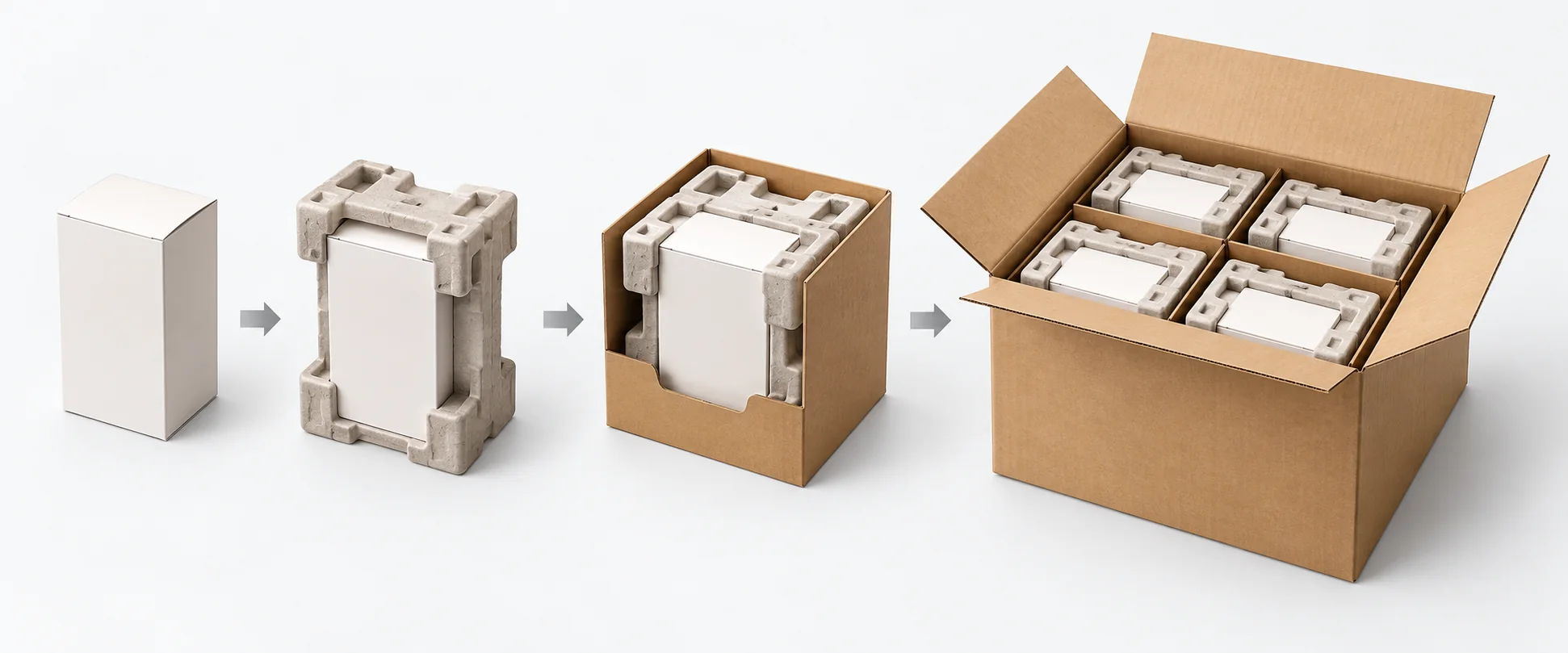
List the product and every component that contains, groups, presents or ships it. The primary, secondary and tertiary packaging guide helps define roles. Use the case pack, inner pack and master carton guide to record quantities at each stage.
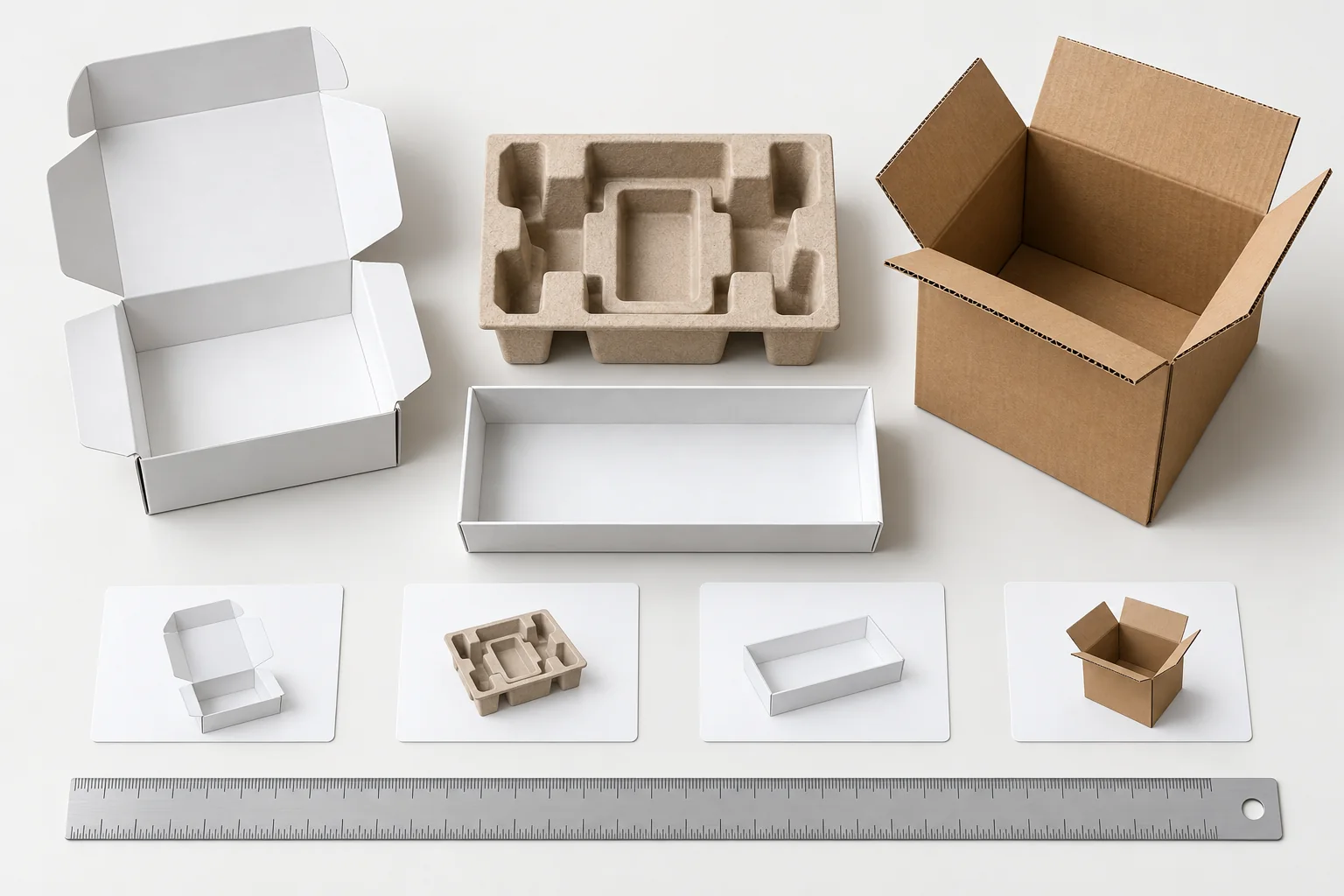
Record quantities and orientation
A component count alone is incomplete. Record its parent component, the product orientation, whether inserts or dividers are separate parts and the dimension basis. The box dimensions guide helps keep product-fit dimensions distinct from outer logistics dimensions.
Link each component to the current approval
Use a drawing, artwork revision, sample reference or controlled change record for each component where relevant. A file called “final” is not a sufficient reference. The packaging change-control checklist explains how to keep revisions aligned after a project changes.
Use the BOM in an RFQ and repeat order
Attach the controlled BOM to the RFQ or order discussion so every supplier response is based on the same component list. The custom packaging RFQ template can capture the commercial information around it. For samples, state which BOM components the sample represents; see the custom packaging samples guide.
Common mistakes
- Listing only the outer box and omitting inserts, labels or retail components.
- Mixing component quantities with carton quantities.
- Reusing an old BOM after artwork, pack-out or product dimensions change.
- Treating a sample as approval for components it did not include.
Frequently asked questions
Is a packaging BOM the same as a quote?
No. A BOM defines the approved component configuration. A quote adds commercial terms and should reference the configuration being priced.
When should a packaging BOM change?
Update it when an approved component, quantity, dimensions, artwork, pack hierarchy or required approval evidence changes.
Prepare a controlled packaging BOM
For a packaging inquiry, provide the product, component list, quantity per parent, packaging level, dimension basis, revision references and approval scope. This creates a clear foundation for quotes and repeat orders without assuming unverified capabilities.