Quick answer: A packaging design brief template helps a brand turn an idea into a clear project request. Record the product, buyer, channel, brand boundaries, mandatory content, packaging job and open questions. Mark what is confirmed, preferred or still needs supplier input; do not guess technical production requirements just to complete the brief.
What is a packaging design brief?
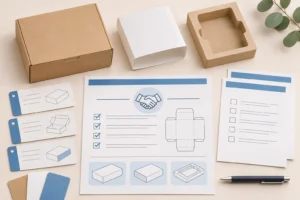
A packaging design brief is a project document that tells a designer or packaging supplier what the package must communicate, contain and support. It combines brand intent with practical product and channel context, then identifies the decisions that still need input. It is not a production specification, quotation, legal review or blanket approval.
The useful distinction is the document’s job. A creative brief may focus on message and audience. A packaging design brief adds physical context: what goes inside, which package level is in scope, how the item is sold or handled, what information must appear and who approves a direction. The brief should make uncertainty visible rather than hiding it behind a confident-sounding material, tolerance or print instruction.
| Document | Primary job | Do not treat it as |
|---|---|---|
| Packaging design brief | Explains the product, audience, channel, visual direction and open packaging questions | A final production instruction |
| RFQ/project quote request | Lets suppliers explain assumptions and price a comparable request | A completed artwork or approved pack |
| Dieline | Defines a particular structure’s panels, folds and cut geometry | A generic template for another supplier or structure |
| Artwork handoff | Identifies the files and approvals used for a selected configuration | Evidence that every physical requirement has been proven |
| Packaging specification sheet | Controls an approved/repeat-order baseline | The starting point for an undefined creative project |
Use confirmed, preferred and open fields instead of filling blanks with guesses
The best packaging design brief template separates facts from choices. A team can state the packed product dimensions, sales channel and required copy as known facts, while recording the desired feel, finish or structure as a preference. A third field should request supplier or design input where the project has not selected a feasible solution.
| Field state | What it means | Example of useful wording |
|---|---|---|
| Confirmed | A controlled project fact or approved brand requirement | “Retail carton is for SKU A; product dimensions shown in attached drawing.” |
| Preferred | A design or commercial direction that may need feasibility review | “Prefer a premium matte appearance if suitable for the selected structure.” |
| Supplier/design input requested | The outcome is known but the technical path is not | “Recommend a structure that keeps the product stable for the stated route.” |
| Not applicable | A field was considered and does not belong to this project | “No insert planned at this stage.” |
This approach avoids a common source of rework: treating an early preference as a confirmed production rule. It also helps the recipient ask the right follow-up questions. For supplier selection before a design or order is finalized, the Packaza supplier qualification checklist offers a separate buyer framework.
Copy-and-paste packaging design brief template
Use the following sections as a starting structure. Keep the template specific to one product family or clearly separated SKU group. If a field is unknown, write what outcome is needed and who must confirm it. That is more useful than inventing a material, print setting, barcode treatment or delivery commitment.
| Section | Include | Decision owner or question |
|---|---|---|
| 1. Project identity | Project name, product/SKU list, new launch/redesign/line extension, target market and channel | What is in scope for this brief? |
| 2. Product inside | Packed dimensions, weight, primary container, accessories, orientation, fragile or sensitive areas | Which product facts are final, provisional or missing? |
| 3. Buyer and shelf/context | Intended buyer, sales route, retail/e-commerce/wholesale context, visible panels and opening experience | Where and how will the package be encountered? |
| 4. Brand direction | Brand assets, logo status, tone, visual hierarchy, references to use or avoid | Which brand elements are fixed? |
| 5. Required content | Product identity, languages, controlled copy, barcode/data owner and content still under review | Who confirms that required content is complete? |
| 6. Packaging function | Protection, presentation, grouping, opening/reclosing, insert, sleeve, window or other job to be done | What should the packaging achieve, without assuming the method? |
| 7. Structure and materials | Existing package reference, current dieline status, preferred effect and supplier recommendations requested | Is a current supplier-approved drawing available? |
| 8. Quantities and variants | Quantity per SKU/artwork, size/language/flavor differences, expected repeat context if known | Which variants need separate treatment? |
| 9. Evidence and approvals | Desired review: mockup, digital proof, structural sample, production-method sample; named approvers | What will each review actually decide? |
| 10. Open decisions | Assumptions, questions, exclusions, constraints and next decision date | What cannot be treated as approved yet? |

Connect brand direction to the real packaging system
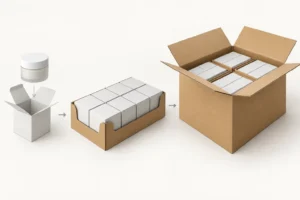
Good packaging direction is not limited to a mood board. The brief should show which component is customer-facing, which package level the buyer sees and which elements support the physical product. A retail carton, sleeve, insert, label and shipping case may all be related, but they may not share the same artwork, barcode, dimensions or approval path.
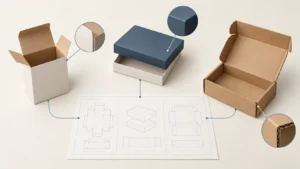
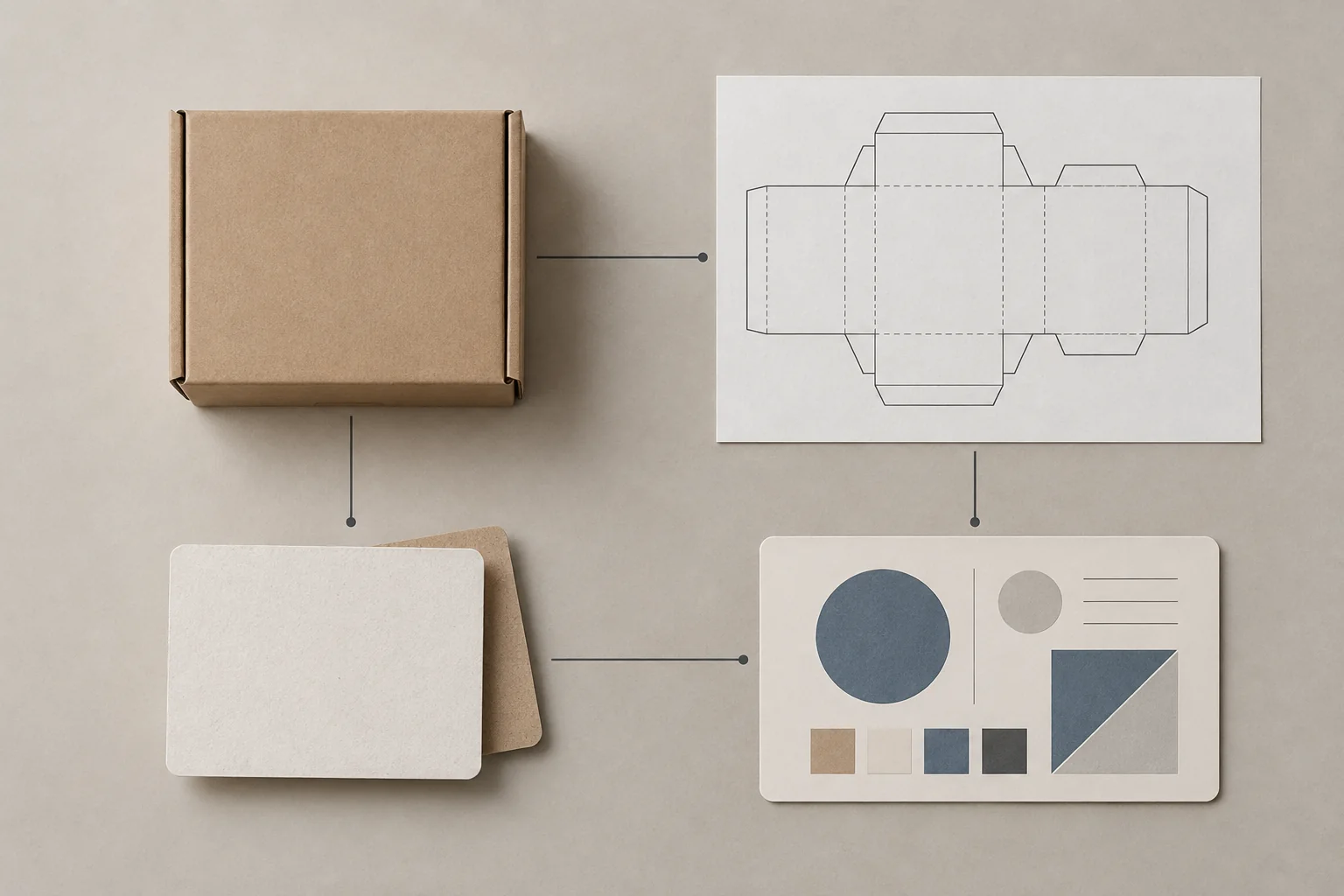
Map the components before asking anyone to design or quote them. A packaging bill of materials can list the system; the brief explains why each visible or functional component exists and which question remains open. When a structural choice is ready for review, use the current packaging dieline rather than laying art over an old template or a reference image.
| Component | Brief should describe | Keep separate from |
|---|---|---|
| Consumer-facing pack | Product, buyer-facing panels, opening experience and visual priorities | Transport-case marks or warehouse labels |
| Insert or divider | Product contact/fit objective, component count and visible role | An assumed material grade or untested fit claim |
| Sleeve or label | What varies by SKU/language and which data is controlled | The retail carton’s production files |
| Master carton | Contents, logistics role and required identification if applicable | Consumer-facing design decisions |
Put artwork, data and required content in the right place
The brief can identify the source of each content item without declaring it print-ready. Record whether artwork is a concept, an editable master, a review PDF or supplier-agreed output. Identify who owns barcode or variable data, and keep legal, regulatory or retailer-specific copy as a confirmation task for the responsible team.
GS1’s guidance treats product and packaging data across packaging levels, so an identifier or dimension should be tied to the correct unit rather than copied indiscriminately between consumer pack, inner pack and case. See the GS1 Global Data Model Attribute Implementation Guideline for the multi-level context. For a buyer-oriented review of barcode placement and verification questions, use the Packaza barcode printing guide.
| File or data item | Brief-stage record | Release-stage record |
|---|---|---|
| Brand assets | Source, owner and allowed usage | Current approved asset/version |
| Product copy | Supplied, draft or awaiting responsible review | Approved copy attached to the right artwork revision |
| Barcode/variable data | Data owner, intended package level and question to resolve | Confirmed data, placement and required verification evidence |
| Dieline | Existing reference or supplier input requested | Current approved drawing revision for the exact structure |
| Artwork | Concept/reference/output required | Named master and agreed output for the project |
Request the evidence that fits the decision
A brief should not ask for “a sample” without saying what the team needs to decide. A digital proof can help with content and panel placement, a blank structural sample can help with basic fit or opening questions, and a production-method sample can represent a different set of visual or physical conditions. Name the decision, not only the deliverable.
The Packaza custom packaging samples guide explains why these review stages are not interchangeable. Do not state that a visual proof proves product protection, that a blank sample proves final appearance, or that a supplied example guarantees a future production result. Put the scope and exceptions in the brief so the next reviewer knows what still needs confirmation.
| Question | Evidence that may help | What to record |
|---|---|---|
| Is the copy on the intended panel? | Digital proof or assembled mockup | Artwork revision and panel scope reviewed |
| Does the product relate to the proposed structure? | Structural sample or project-specific fit review | Product version, structure revision and fit scope |
| Is the intended visible effect acceptable? | Agreed sample/proof method | Process/material context and visual approval scope |
| Is a distribution or scan requirement met? | Project-specific verification/test evidence | Applicable method, conditions and acceptance decision |
Move from the brief to a controlled project without losing context
Once a direction is selected, carry the brief’s confirmed information forward and formally manage anything that changes. The brief should not become a hidden, outdated source of truth after a new dieline, product orientation, component, code or finish is introduced. Record the change and identify whether artwork, samples, data or approvals must be reviewed again.
Use the Packaza packaging change-control checklist when a configuration changes. For the stable record used after a configuration is defined, use a packaging specification sheet. The distinction matters: the design brief captures direction and questions; the later records capture controlled outputs and decisions.
What to send with a packaging design brief
Send only the materials that clarify the actual project: product photos or drawings, the packed product’s current dimensions/weight status, existing packaging references, brand assets, known copy/data, target channel, product variants and the decisions you want help making. Label drafts and provisional inputs so recipients do not mistake them for released files.
When the brief is ready, contact Packaza with the product, packaging goal, channel, quantity context, artwork status and open questions. Ask for project-specific requirements instead of assuming a generic brief establishes price, MOQ, timing, material, compliance, testing or manufacturing performance.
FAQs about packaging design briefs
Is a packaging design brief the same as a creative brief?
No. A creative brief focuses on the message and audience; a packaging design brief adds the product, package level, physical use context, required content and production questions that affect a package project.
Is a packaging design brief the same as an RFQ?
No. A brief explains the project and open decisions; an RFQ asks suppliers to quote a defined request and state assumptions. A clear brief can support an RFQ, but it does not create a comparable quote by itself.
Who should complete the brief?
One named owner should coordinate it, with input from brand/marketing, product, procurement, operations and any responsible content or compliance reviewer. The document should identify who can approve each important decision.
What if I do not know the box material or structure yet?
State the product, route, presentation goal and protection question, then mark supplier recommendation requested. Do not select a technical value merely to complete the form.
Should the brief contain the final dieline?
Only link or attach a current drawing when one has been issued or approved for the selected structure. An old drawing or a visual reference is not a substitute for the current structural source.
How should barcode information appear in the brief?
Identify the data owner, intended package level and any required program or verification question. Do not alter a code for appearance alone or assume the same treatment applies at each packaging level.
When should the design brief be updated?
Update it when the product, product orientation, SKU/variant list, channel, required content, structure, component set or approval owner changes. Then move confirmed decisions into the controlled specification and change records used for production.
Make the first brief useful, not prematurely final
A useful packaging design brief template gives a team a shared starting point: what is known, what is preferred, what still needs confirmation and who owns the next decision. It can make the next supplier or design conversation more productive without pretending that unknown technical details are already approved.
Sources
- GS1 Global Data Model Attribute Implementation Guideline — packaging information at multiple hierarchy levels.
- GS1 General Specifications — standards context for GS1 identification and barcode use.