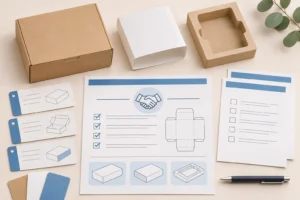
Quick answer: A packaging artwork checklist is a controlled handoff package, not just a PDF. Before custom boxes go to print, connect the current supplier-approved dieline, editable artwork, production PDF, assets, finish instructions, barcode ownership and final approval record. Confirm process-specific requirements with the supplier; do not assume one printer’s bleed, file format or color settings apply everywhere.
Packaging artwork often starts as a brand-design task and ends as a production-control task. A file can look correct on screen while using an old dieline, placing copy on a fold, omitting a finish layer or carrying an unverified barcode. The goal is not to turn every buyer into a prepress specialist. It is to give the supplier one traceable, reviewable set of inputs for the actual packaging configuration.
This guide is for brands, retailers and e-commerce teams ordering custom cartons, mailers, sleeves, rigid boxes or other printed packaging. It does not prescribe a universal technical specification. Board, structure, ink system, finish, printer workflow and retail requirements can change what is required. Confirm the final release requirements for the actual project in writing.
What is a packaging artwork checklist?
A packaging artwork checklist is a record of the files, instructions and approvals needed to move a design from a brand concept into controlled packaging production. It should identify the exact structural template, the artwork version, what each file is for, and who may approve changes. A screenshot or a file named “final” is not enough to create that trail.
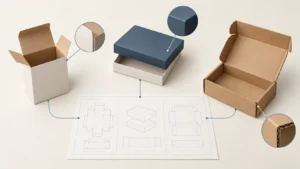
The checklist separates four related but different things:
| Item | Main job | It does not establish by itself |
|---|---|---|
| Structural dieline | Defines cut, fold, panel and assembly geometry | That brand copy, color or barcode placement is approved |
| Artwork master | Holds editable design decisions | That the file is ready for a particular press or converting route |
| Production PDF or agreed output | Carries the approved visual content for the stated purpose | That every physical feature will perform as intended |
| Proof or sample | Lets people review specified visual or physical conditions | That an unreviewed revision is automatically approved |
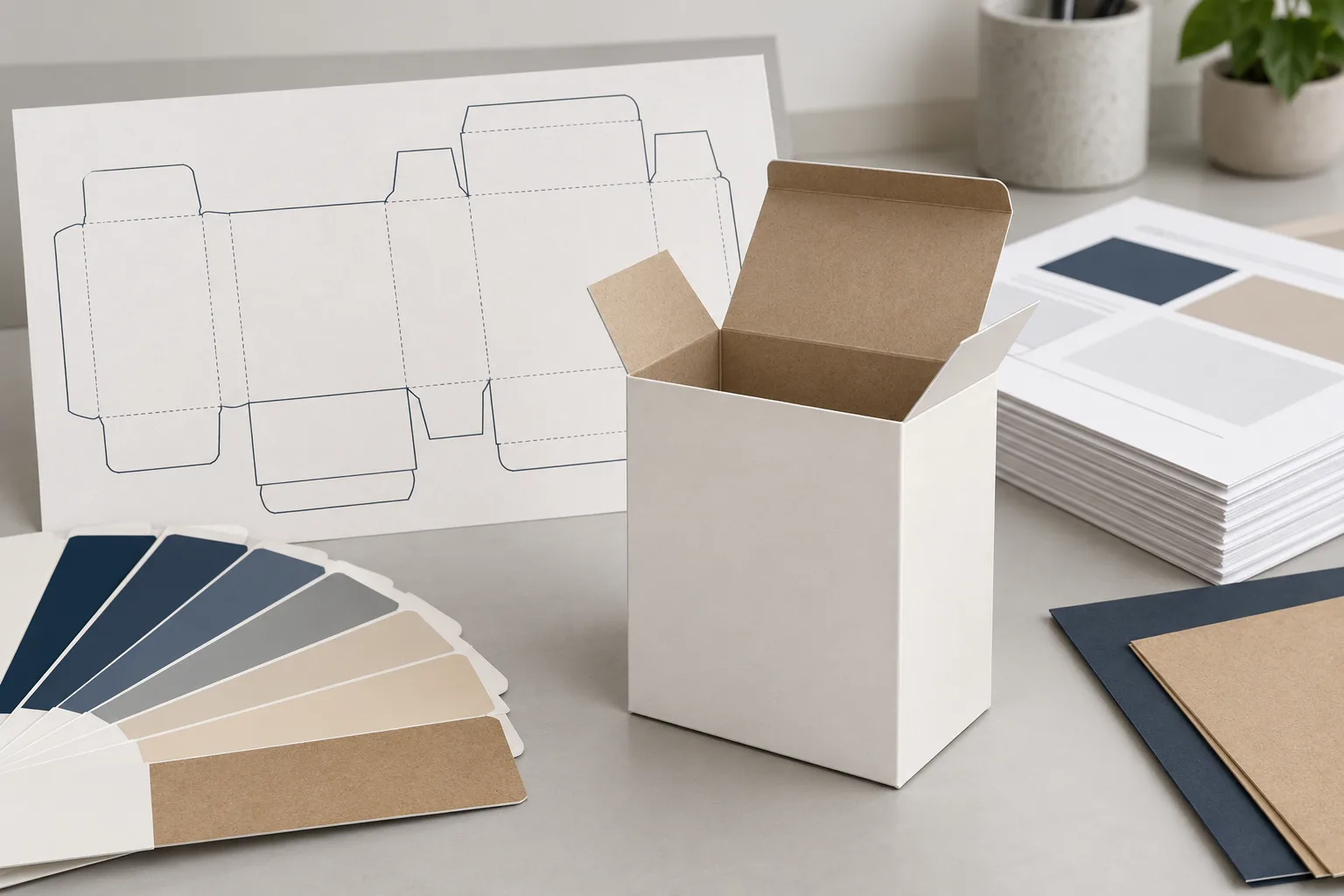
Start with the current structural reference. The Packaza guide to packaging dielines explains why the drawing’s revision, dimensions and legend matter. The artwork checklist connects that drawing to the files and approvals that follow; it does not replace structural design or a project-specific supplier specification.
The seven items to include in an artwork handoff
An effective handoff gives every file a named purpose and every decision a visible owner. The seven items below are enough to begin a disciplined review, while still leaving technical production requirements to the confirmed supplier, material and print process.
| Handoff item | What to include | Question to settle before release |
|---|---|---|
| 1. Current dieline | Supplier-issued or expressly approved drawing, revision/date and dimensions basis | Is this the exact structure, material context and revision being quoted or sampled? |
| 2. Editable artwork master | Native working file and linked assets, or the agreed editable source | Who owns the source and which version is authoritative? |
| 3. Production output | PDF or another supplier-requested output, clearly named by SKU and revision | Has the supplier confirmed this output type for the intended route? |
| 4. Images and type treatment | Linked-image status, font treatment or approved alternatives | Will all required assets reproduce as intended at final size? |
| 5. Color and finish instructions | Required spot colors, white, varnish, foil, emboss/deboss, coatings or other named effects | Which layers, overprints and non-printing guides must be reviewed separately? |
| 6. Barcode and variable data | Barcode owner, encoded data, placement, human-readable text and variable-data source | Has the symbol been reviewed for the actual package and use environment? |
| 7. Approval record | File list, revision, approver, date, scope and open exceptions | What exactly does this approval cover, and what remains to be checked on a sample? |
Keep working files, review PDFs and final approved outputs distinct. A native artwork file can be useful for future revision, but a PDF may be the agreed production or review output. Neither label is universal. Ask the supplier which assets, output settings, marks and layers are required for the specific board, structure, printing method and finishing path.
Confirm supplier-specific requirements instead of guessing
Bleed, safe areas, minimum text, image treatment, color setup, trapping, barcode constraints and accepted output formats can vary by package construction and production route. A useful packaging artwork checklist records the question and the answer from the responsible party; it does not copy a number from an unrelated printer’s web page and call it a production rule.
Use this review table before treating a file as ready:
| Review area | Buyer or brand should provide | Supplier or production team should confirm |
|---|---|---|
| Dieline and panels | Correct product, SKU, structure and approved drawing revision | Current template, panel meaning, folds, glue/no-print areas and output instructions |
| Edge treatment | Intent for full-bleed artwork and critical-copy placement | Required bleed and safe-area treatment for the actual layout |
| Images and type | Licensed source assets, intended final copy and readable hierarchy | Reproduction limits and any required file preparation |
| Color and finishes | Brand color references and intended visible effect | Feasible ink/finish setup and proof method for the agreed material/process |
| Variable data | Controlled source for codes, dates, lot fields or other changing content | Placement, production workflow and evidence needed for the project |
| Final output | Named files, version and approval owner | Required format, layers, marks and release process |
The purpose is clarity, not a promise that a preflight review guarantees print or transit performance. Product fit, closure, material, finish, barcode readability and distribution behavior can need separate evidence. Keep the production scope, sample scope and approval scope in the same controlled project record.
Review the assembled package, not only the flat artwork
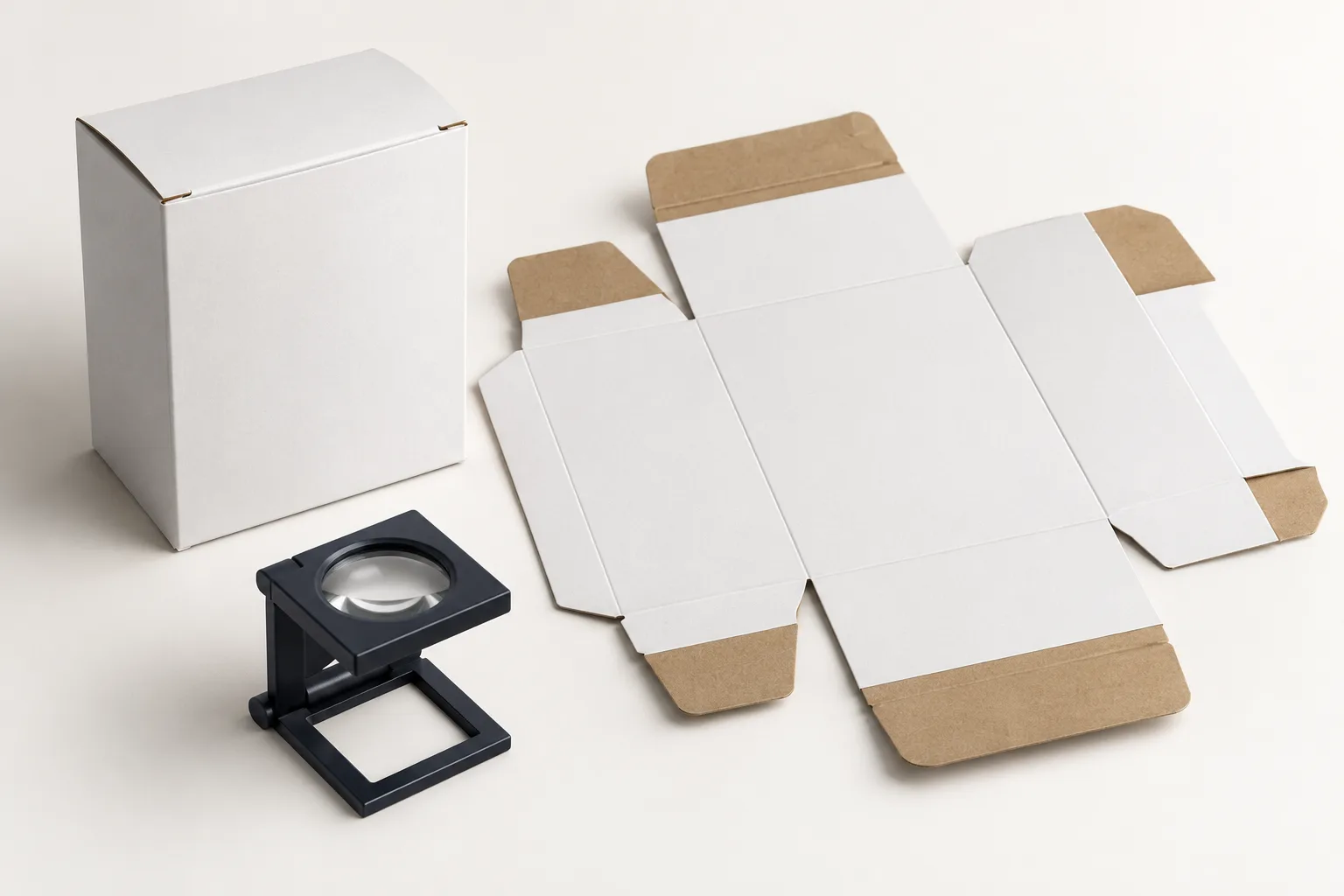
Artwork is placed on a flat template but experienced on a folded, filled package. Review the proposed structure as an assembled object before release: which panel faces the buyer, where the fold lands, whether text crosses a score, whether a window changes visible content, and whether a flap or glue zone hides a required message.
Use a project-specific review checklist:
- Confirm the product, SKU count, orientation and opening action that the structure represents.
- Compare all visible panels with the intended buyer, retail and regulatory-facing information.
- Keep critical copy, logo elements and codes away from locations the current drawing identifies as unsuitable.
- Check whether an insert, sleeve, label, outer carton or tear-away action changes the panel a user actually sees.
- Record the structural revision and artwork revision together in the review record.
- Identify which review needs a digital proof, a blank structural sample, a printed sample or a project-specific production reference.
For a practical distinction between those review stages, see custom packaging samples. A digital proof can be useful for content and panel placement, while a physical sample can answer different questions about fit, folding and materials. Do not treat either as proof of conditions it did not represent.
Put barcode checks in the artwork approval route
A barcode belongs in the artwork handoff, but it should not be treated as decorative copy. The data owner, symbol type, intended scanning environment, placement and required verification evidence all need to be clear before the relevant approval is released. A code that appears sharp on a screen may still be unsuitable after printing, finishing or folding.
GS1 guidance emphasizes that package placement and print quality affect scanning. Its standards describe placement principles for packaging and containers, while GS1 US notes that placement, background, size and the surrounding clear area all matter for usable package symbols. Read the GS1 General Specifications and use GS1 US barcode guidance for the applicable program and symbol type.
The existing Packaza article on packaging barcode printing gives a fuller buyer checklist. In this article’s release record, capture the approved artwork revision, who supplied the code data, the intended package panel and the evidence required before bulk production. Do not squeeze a barcode into leftover space or alter it solely to match a graphic treatment.
Use one approval record for artwork, samples and changes
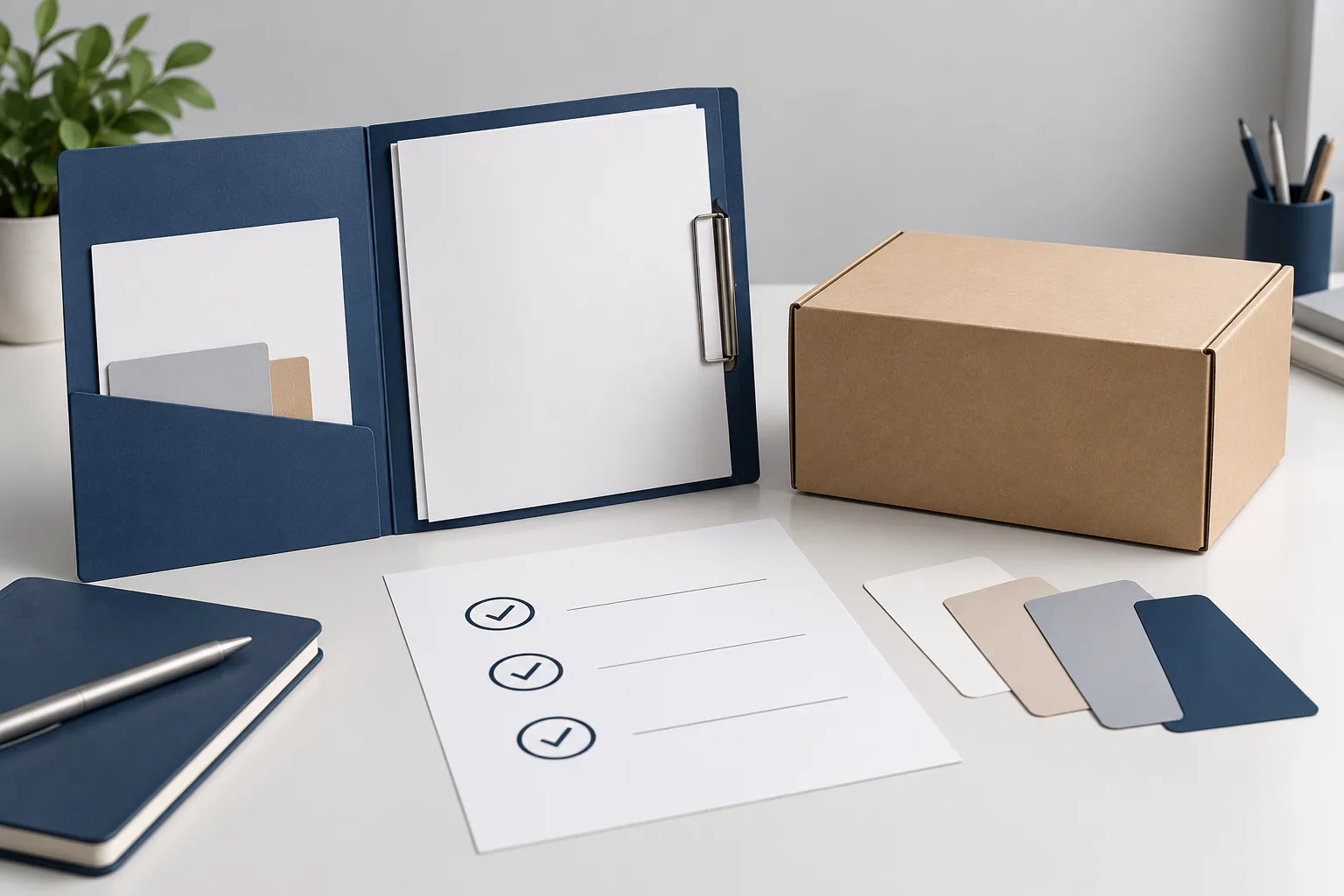
The most useful approval record makes the configuration identifiable months later. It should name the SKU, package level, drawing revision, artwork revision, files reviewed, sample/proof type, decision date, approver and any explicit exceptions. This is how a team can tell whether a repeat order still represents the version that was approved.
| Approval field | Why it matters |
|---|---|
| Product/SKU and package level | Separates a retail carton, sleeve, shipper or other component |
| Structural drawing revision | Ties graphics to the intended geometry |
| Artwork file name and revision | Makes the approved visual content identifiable |
| Proof or sample type | States what evidence the decision relied on |
| Approval scope | Distinguishes content approval from fit, color, barcode or performance checks |
| Named approver and date | Establishes a decision owner and timing |
| Exceptions or open items | Prevents a conditional approval from being treated as unconditional release |
Use the Packaza packaging change-control checklist when an approved configuration changes. If a new dieline, barcode, product orientation, finish or copy field is introduced, identify what must be reviewed again rather than assuming the old approval carries forward.
What to include when you request a packaging artwork review
An inquiry is more productive when the packaging team receives the physical and file context at the same time. Include the product or product sample, desired box style, current dieline status, artwork revision, intended market, product count, any barcode or variable-data requirement, target finish, desired sample stage and the questions you need answered.
When the brief is ready, contact Packaza with those inputs. The request should describe the actual project rather than assume a generic process, output setting, price, lead time or production result. For larger configurations, a packaging bill of materials can keep the retail pack, insert, label and transport components connected to the same approval references.
FAQs about packaging artwork checklists
Is a PDF enough for custom packaging artwork?
Sometimes, but only if the supplier confirms that the specific PDF is the required output for the project. Keep the editable master and its assets controlled as well, because a review PDF, a production PDF and an editable source can serve different purposes.
Can I use an old dieline for a new packaging order?
Only after the responsible supplier confirms that it remains the current approved structural reference for the new project. A similar-looking box can have different dimensions, board, folds, glue areas, panels or production requirements.
What should an artwork approval actually approve?
It should state the exact files and conditions reviewed, then name its scope. Content, panel placement and version identity may be approved while physical fit, final color, barcode verification or transport performance still require separate project evidence.
Why is a file called “final” not enough?
Because the label does not identify which structure, SKU, date, approver or approval scope it represents. Use a revision identifier and retain a record of what was approved and what was still open.
Should barcode artwork be changed to match the package design?
No. Treat the barcode as a controlled machine-readable symbol. Its data, placement, clear area, color treatment and verification should follow the applicable program and the actual package/print process rather than a visual preference alone.
Can a digital proof replace a physical packaging sample?
No. A digital proof can help review visual content and panel placement, but it cannot by itself establish folded structure, product fit, material feel or the behavior of a finished package. Choose evidence according to the decision being made.
What happens if copy changes after artwork approval?
Create or update a controlled change record, identify the affected files and components, then decide which proof, sample, barcode or other checks must be repeated. Do not make an untracked file swap after sign-off.
Make the handoff traceable before it becomes urgent
A good packaging artwork checklist gives a team one answer to four questions: which structure, which artwork, which evidence and whose approval. Gather the current dieline, the right source/output files, production-specific requirements and a named release record before a print decision is made. That is safer than treating a visually attractive PDF as complete production instruction.
Sources
- GS1 General Specifications — barcode placement principles for packages and containers.
- GS1 US: Barcode Placement & Printing Guidelines — package placement, print-quality and symbol-treatment guidance.